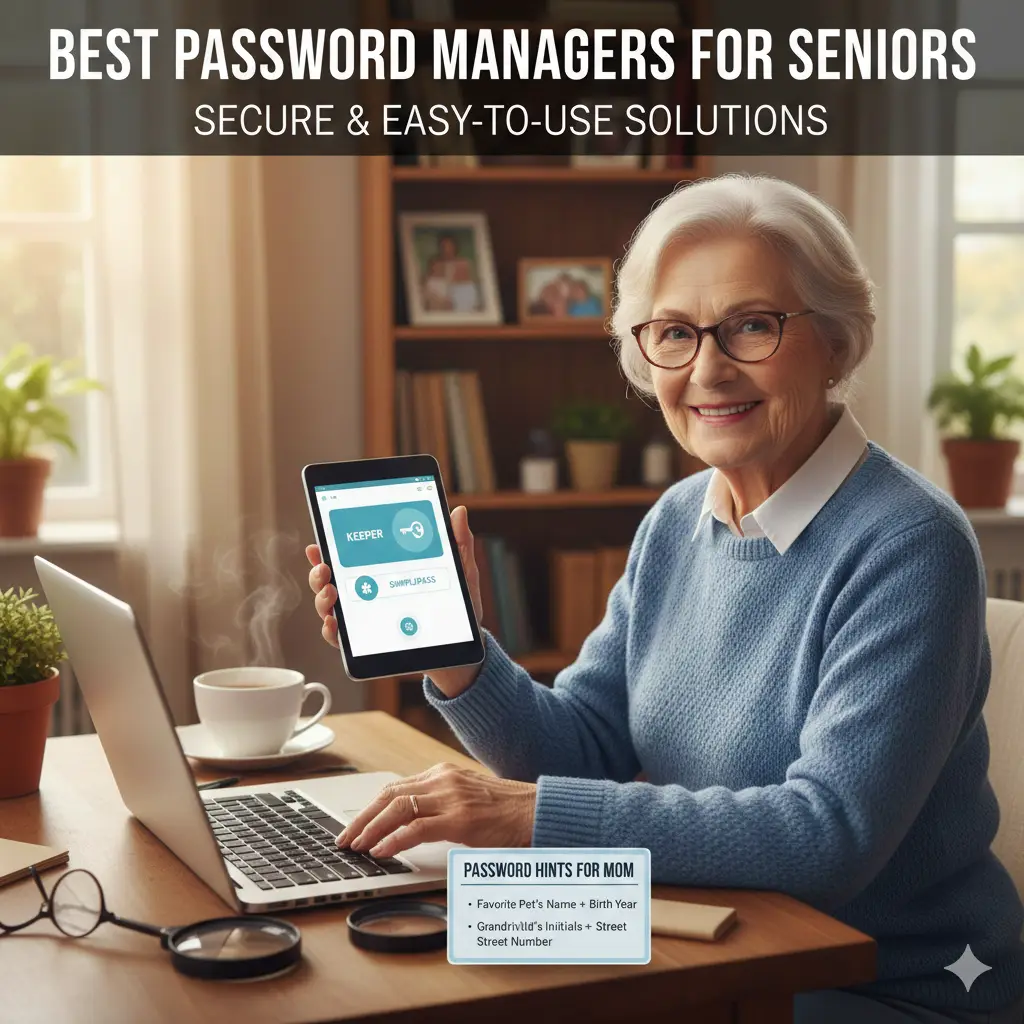
Forgetting passwords happens to many people as they get older. You might have accounts for email, banking, shopping, or health sites. Trying to remember all those logins can feel hard. Some people use the same password everywhere or write them on paper. This can let bad people get into your accounts. The best password managers for seniors who forget passwords help fix this problem. These tools keep all your passwords in one safe spot. You only remember one main password. The manager fills in the others for you.
These apps use strong locks to keep hackers out. They work on computers, phones, and tablets. Many have big text and easy buttons. They alert you if a site gets hacked. In 2026, experts pick tools that are simple and safe. Sites like PasswordManager.com and Cybernews say NordPass and RoboForm work great for older adults. You can start with free versions. This long guide explains everything. It helps you choose and use the right one.
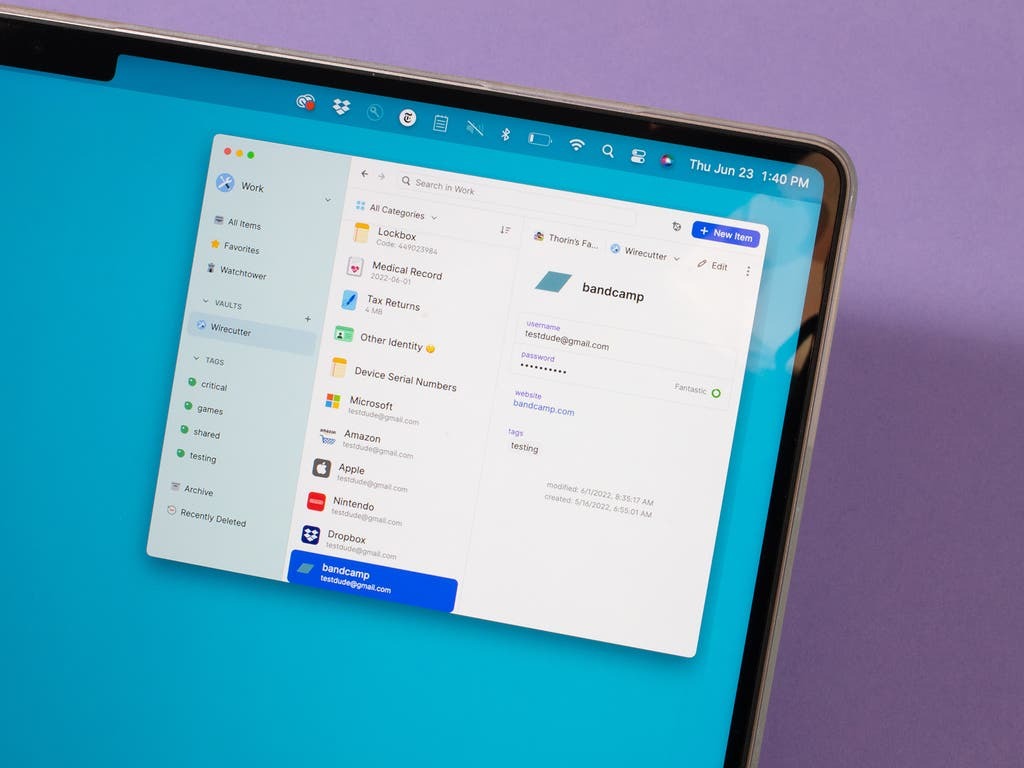
Look at these simple interfaces. They show how easy password managers can be on phones and computers.
Why Password Problems Happen More for Seniors
Many older adults face extra challenges with passwords. Studies show people over 65 often reuse the same password. They might pick easy ones like your birthday or “password123”. This makes accounts easy to hack.
Here are some facts:
- About 70% of people feel overwhelmed by too many passwords.
- Seniors sometimes write passwords down. This helps remember but is not safe if someone finds the note.
- Hackers target older adults more. They try scams like fake emails.
- One study found older adults mistrust cloud storage. They worry about putting passwords online.
But password managers solve these issues. They create strong, unique passwords for each site. You don’t have to remember them. Just one master password opens everything.
Good managers also:
- Fill in logins automatically.
- Work on all your devices.
- Send alerts for weak or hacked passwords.
- Let family help if you forget the main one.
Many seniors start using them and feel safer online.
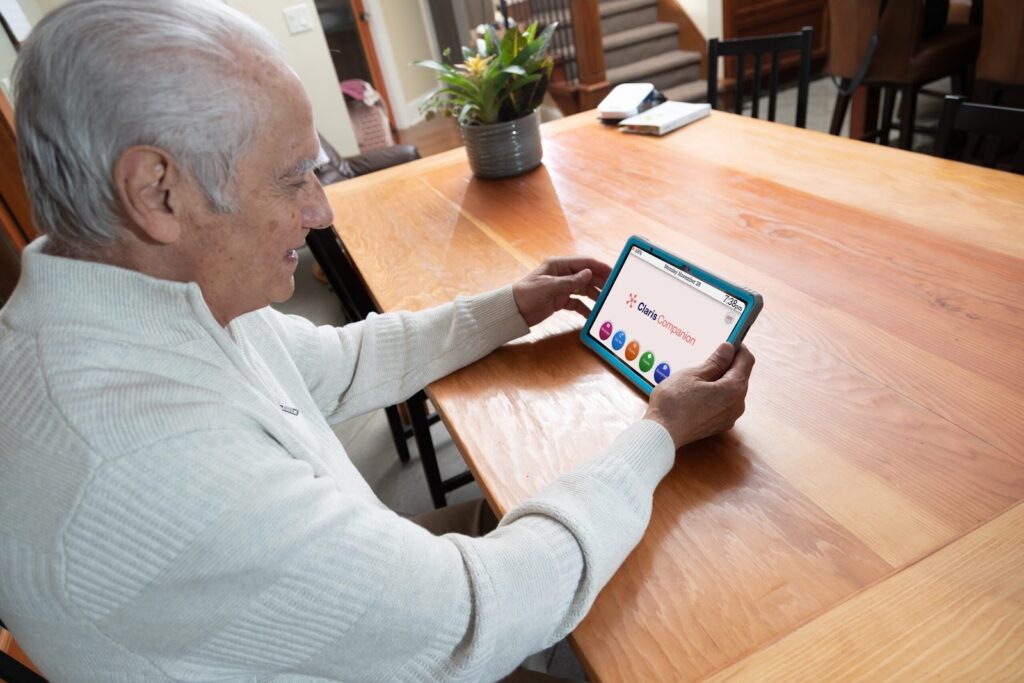
These pictures show older people using tablets safely. A password manager makes it just as easy.
Key Features to Look for in the Best Password Managers for Seniors Who Forget Passwords
Not all managers fit everyone. For seniors, pick ones that are easy.
Important features:
- Simple screen: Big text, few buttons, clear words.
- Auto-fill: Types passwords for you with one click.
- Biometric login: Use your finger or face to open the app.
- Sync across devices: Same passwords on phone and computer.
- Breach alerts: Tells you if a site leaks data.
- Emergency access: Lets a trusted person help if needed.
- Good support: Chat or phone help when stuck.
- Free or low cost: Many have best free password manager 2025 options.
Avoid ones with too many fancy tools. They can be confused.
Reddit users talk about best password managers for seniors who forget passwords reddit. They like free and simple ones.
Top Recommendations for 2026
Experts tested many tools. Here are the best for seniors.
NordPass: Top Choice Overall
NordPass leads lists for older users. It has a clean look with large text.
Why it’s great:
- Easy setup in minutes.
- Unlimited passwords, even free.
- Strong auto-fill on sites.
- Checks for hacks automatically.
- Face or finger login.
Many call it the best password manager for seniors. It feels modern but not hard.
The free plan works on one device. Paid starts low for all devices.
For details, see this senior guide.
RoboForm: Best for Budget and Simplicity
RoboForm costs little and works fast.
Highlights:
- One-click logins.
- Fills forms like addresses.
- Emergency help for family.
- Good free plan.
It’s the easiest free password manager for seniors in tests. The menu is clear.
Paid is cheap, often under $2 monthly.
Bitwarden: Best Fully Free Option
Bitwarden is open-source and free with no limits.
Pros:
- Unlimited devices and passwords free.
- Strong safety.
- Share with family is paid.
Some find it plain but reliable. Great best free password manager.
Reddit likes it for no cost.
Proton Pass: Excellent Free with Extra Privacy
Proton Pass is free and hides emails too.
Features:
- Unlimited sync free.
- Hygiene checks.
- Alerts for problems.
PCMag calls it top free.
Keeper: Secure with Family Options
Keeper has color folders and quick login.
Good for:
- Biometric open.
- Share safely.
- Custom views.
Paid but has a family plan.
1Password: Good for Sharing with Loved Ones
1Password organizes well.
Includes:
- Watchtower alerts.
- Travel mode.
- Easy family vaults.
Not free, but trials.

What is a password manager and why do seniors need one?
A password manager is an app that stores all your logins in a safe vault. It creates strong passwords and fills them in for you. You only remember one main password, called the master password.
Seniors often forget passwords or use the same easy one everywhere. This lets hackers in. A manager fixes that. It makes strong, unique passwords for each site. No more writing them down or reusing them. Experts say it’s safer than paper notes or browser storage alone.
What are the best password managers for seniors who forget passwords in 2026?
Top picks include:
- NordPass: Simple screen, great auto-fill, and 24/7 help. Many call it the best password manager for seniors.
- RoboForm: Cheap, easy forms, and help if you forget the main password.
- Bitwarden: Fully free and unlimited. The best free password manager 2025 and still top in 2026.
- Keeper or Proton Pass: Secure and straightforward.
How to Pick the Right One
Follow these steps:
- Decide free or paid: Try free password manager for seniors first.
- Test ease: Download and see the screen.
- Check devices: Must work on yours.
- Look for support: 24/7 chat helps.
- Read reviews: See what others say.
Start with NordPass or Bitwarden.
Step-by-Step Setup Guide
Setting up is simple. Ask family if needed.
- Choose and download: From official site or store.
- Create account: Pick a strong master password. Write it safe.
- Add passwords: Import from browser or add new.
- Install everywhere: On phone, tablet, computer.
- Turn on auto-fill: In app settings.
- Add biometric: Finger or face for fast open.
- Test it: Log into a site.
Done! Now logins happen automatically.
Tips:
- Make the master password easy to recall but strong.
- Enable two-step on the manager.
- Update app when asked.
Free vs Paid: Which to Choose?
Free tools like best free password manager 2025 cover main needs.
They offer:
- Storage.
- Auto-fill.
- Basic alerts.
Paid add:
- Sync on many devices.
- Better sharing.
- More help.
- Advanced scans.
Many offer trials. Try before buying.
For most seniors, free starts fine. Upgrade if needed.
Common Worries and Answers
Are password managers safe for older adults?
Yes, they are very safe. They use strong encryption, like a bank vault. Safer than reusing passwords or paper lists. If someone finds your note, they get everything. With a manager, hackers need your master password.
Many have alerts for hacks and two-step login. Studies show they protect better, even if you worry about cloud storage.
What if I forget my master password?
Good news! Many have recovery options:
- Emergency access: Let family help get in.
- Recovery codes: Write these down safely.
- Some like RoboForm let you reset with hints.
Pick ones with family sharing, like 1Password or Keeper. Never lose access forever.
Is there a good free password manager for seniors?
Yes! Try these:
- Bitwarden: Unlimited everything, free.
- Proton Pass: Free with privacy extras.
- NordPass or RoboForm free plans: Cover basics.
The easiest free password manager for seniors is often Bitwarden. No cost, works everywhere.
Do password managers work on phones and tablets?
Yes. Most sync across computers, phones, and tablets. Use your finger or face to open. Great for iPad or Android.
Can family help set it up or access if needed?
Yes. Many have family plans. Share safely or set emergency contacts. Helpful for caregivers.
Is it better than the built-in browser password saver?
Standalone managers are better. They work on all browsers and devices. More features like breach checks. Built-in ones are okay to start, but not as strong.
How much do they cost?
Free options work great. Paid starts low, like $2-3 a month. Often cheaper for families.
Will it fill in passwords automatically?
Yes, that’s the best part. One click or auto-fill. No typing long passwords.
What do people on Reddit say about best password managers for seniors who forget passwords reddit?
Users suggest simple free ones like Bitwarden. Or built-in for starters. Many help parents with NordPass or RoboForm.
In conclusion about the best password managers for seniors who forget passwords
These tools make life easier and safer. No more stress over forgotten passwords. Start with a free one. Feel secure online.
More Tips for Safe Online Habits
Use manager with these:
- Never click strange links.
- Use two-step where possible.
- Check bank sites often.
- Update devices.
The family can set up and check.
In Conclusion
The best password managers for seniors who forget passwords bring big relief1. Tools like NordPass, RoboForm, Bitwarden, and Proton Pass make online safe and easy. No more forgetting or weak passwords. You get strong protection with little work. Start today for peace of mind.
Which best password manager for seniors 2025 or later will you try first2?
References
- PasswordManager.com – Best for Seniors – Highlights easy interfaces, autofill, and features for older adults needing simple tools. ↩︎
- Cybernews – Password Managers for Seniors – Focuses on intuitive designs, support, and security for less tech-savvy seniors. ↩︎